


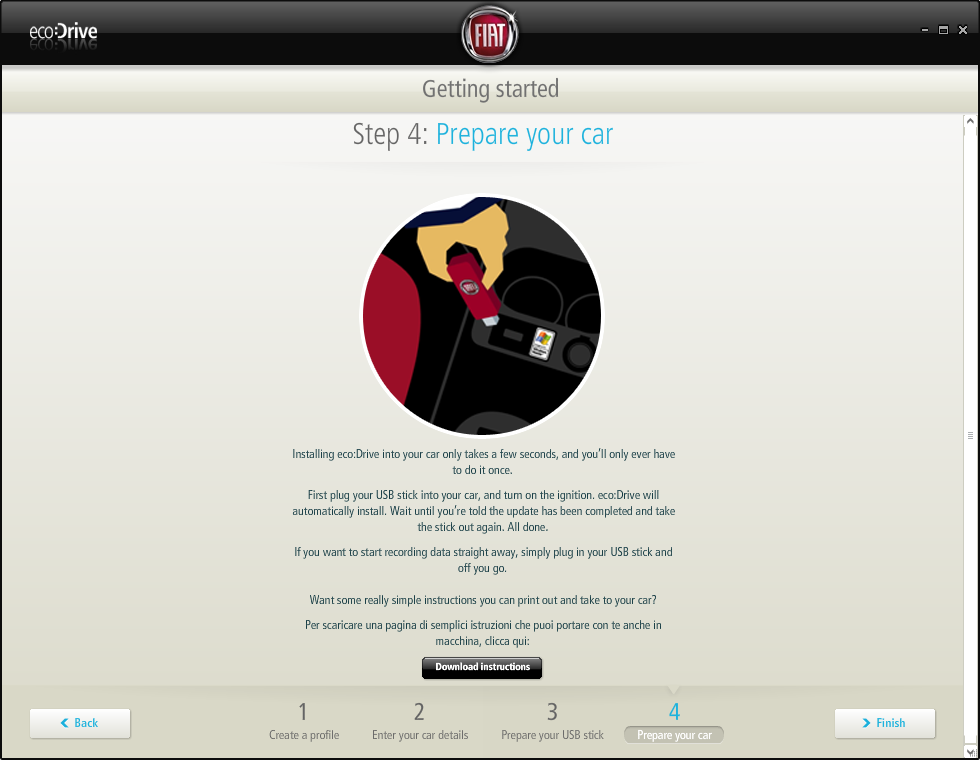

Theoretically, all you have to do is to download the software from Fiat's website, transfer it to a USB stick and plug it into the auto PC port. Based on Microsoft's Blue&Me system (which actually provides the USB port), eco:Drive analyzes the fuel consumption, average speed or gear shifts and gives tips on how to drive more economically.
At this time, eco:Drive is only compatible with Fiat Grande Punto or Fiat 500, but it may be expanded onto other Fiat models equipped with Blue&Me anytime in the near future.
Before getting to Fiat's official website to download the software, there are a couple of things to know before. First of all, the application is only compatible with Windows or Mac workstations, so it may be a bit difficult to get it work on a Linux computer (you could try emulating it with Wine but we don't know for sure if it works). In case you have a Mac, OS X 10.5.2 or 10.4.11 are required, no older releases being supported.
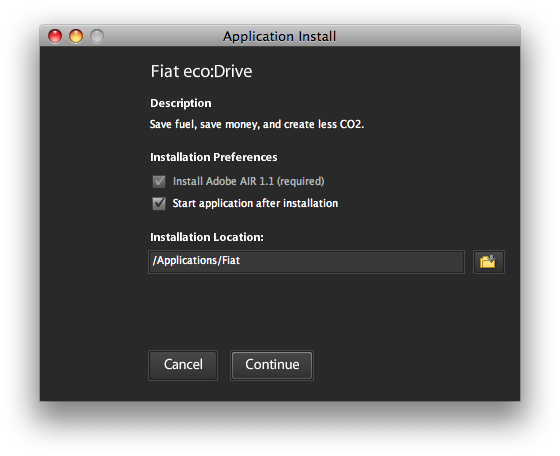
The software installation is done with the help of Adobe AIR but, in case this utility is not yet installed on your system, it will download automatically together with eco:Drive.
The whole eco:Drive software can be used free of charge but you still need an USB flashdrive (1 GB should be enough, taking into account that it requires approximately 600 MB).
 Google News